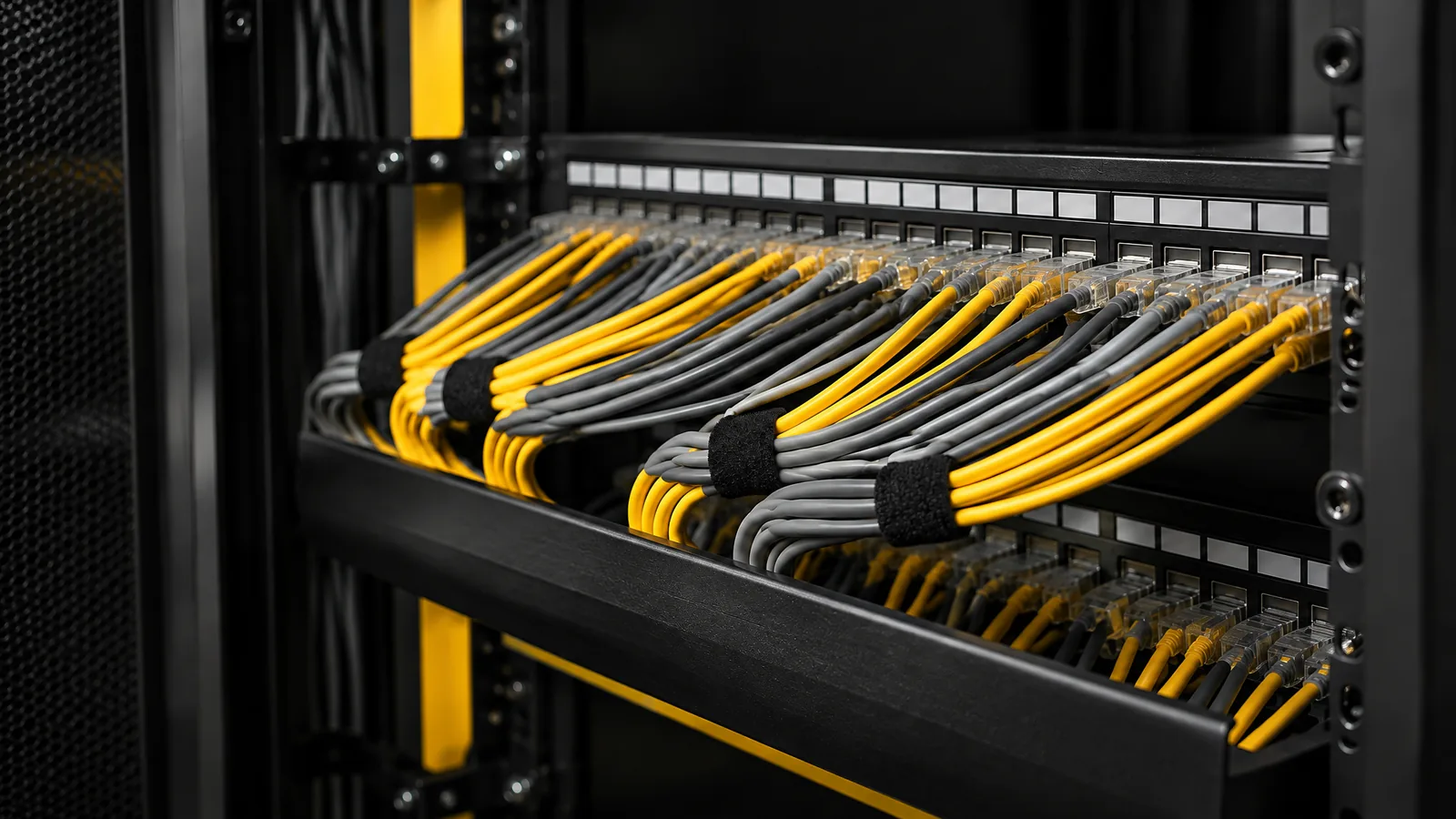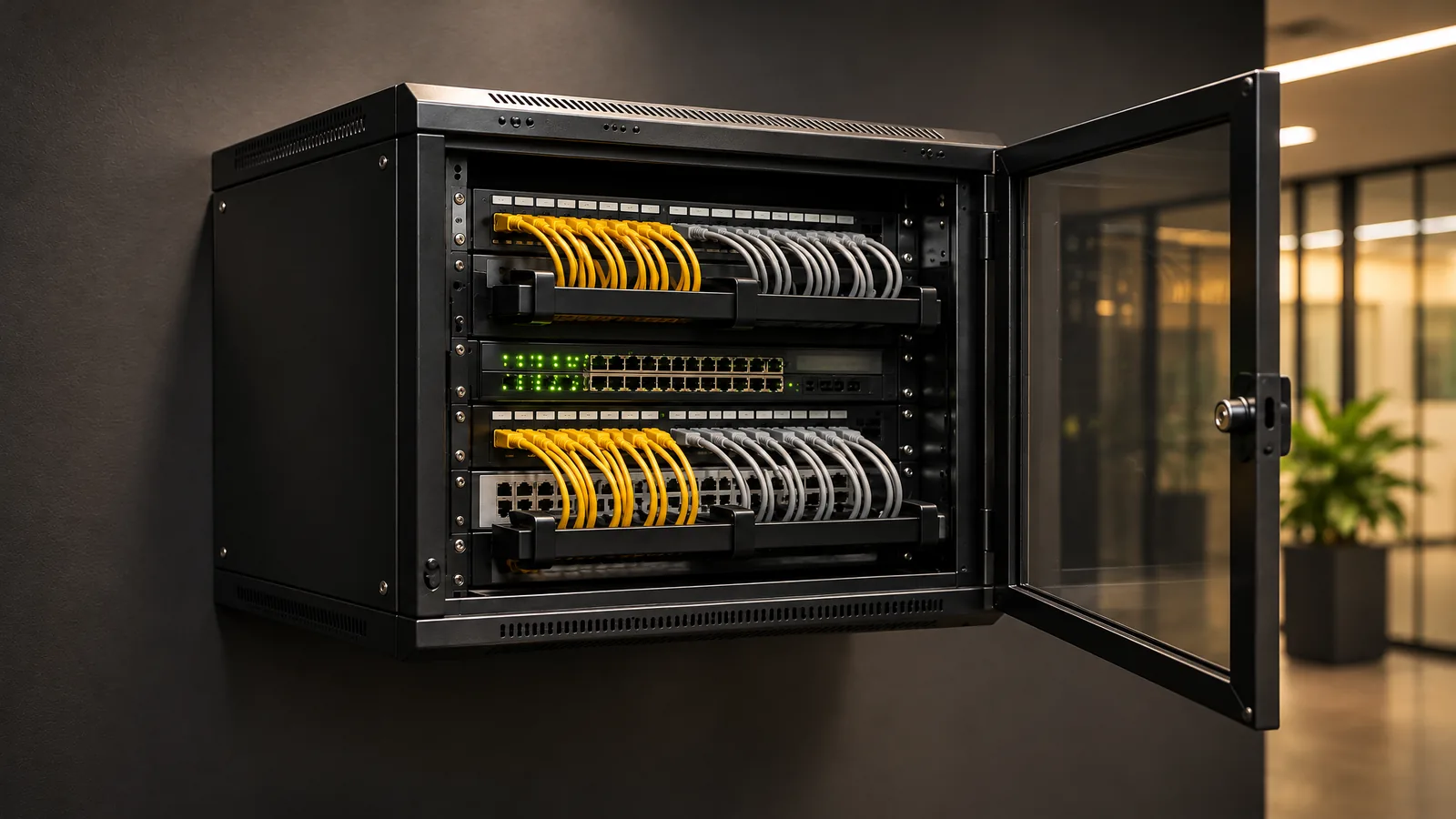
A comms cabinet, also called a data cabinet or network rack, is a metal enclosure that holds the equipment your network depends on. It is where your data cabling ends up, where your internet line connects, and where the switches that link everything together live.
If your network equipment currently sits on a shelf, under a desk or on the floor of a cupboard, a cabinet is usually the first step towards a network that is tidier, safer and easier to look after.
What goes inside
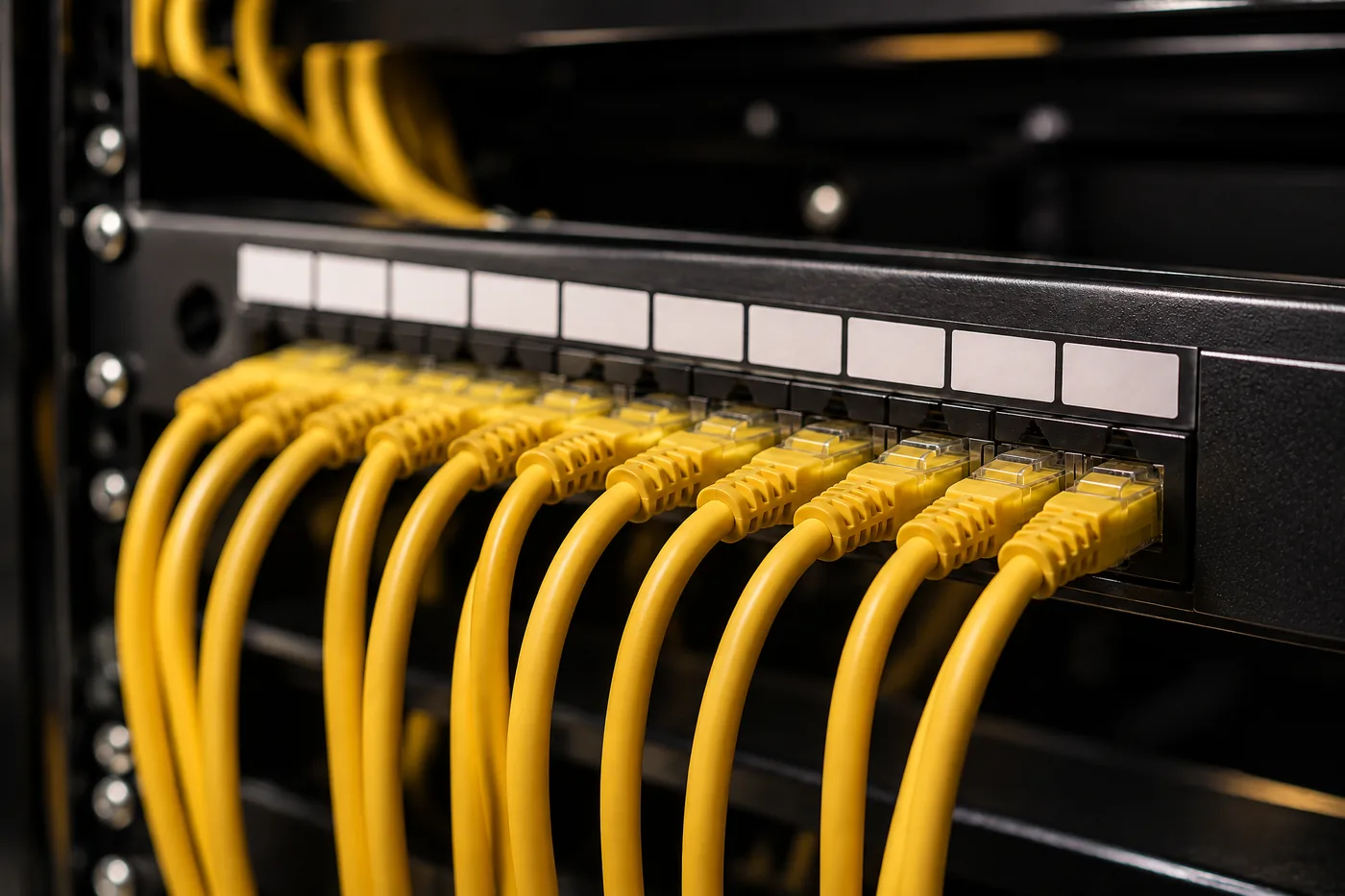
- Patch panels. Every network point around the building is cabled back to a numbered socket on a patch panel.
- Network switches. These connect your computers, phones, printers and wireless access points. Many can also power devices such as access points and cameras through the network cable.
- Patch leads. Short cables that link the patch panel to the switches. Neat, colour-coded patch leads make a big difference to how easy the cabinet is to work on.
- Your router or firewall, and the equipment for your internet line.
- Power. A power distribution strip, and often a UPS (a battery backup) to keep things running through short power cuts.
- Cable management, so leads are routed tidily rather than hanging across the front.
Wall-mounted or floor-standing?
Cabinets follow a common standard: equipment is 19 inches wide, and height is measured in “U” (rack units). That makes it easy to plan what will fit.
- Wall-mounted cabinets are smaller and suit offices with a modest number of network points, where floor space is tight.
- Floor-standing cabinets are taller and deeper. They suit larger networks, servers, or sites that expect to grow.
Whichever you choose, leave spare space. Networks tend to grow, and a full cabinet quickly becomes a messy one.
How big a cabinet do you need?
A simple way to estimate is to add up the rack units your equipment will use:
- patch panels: a 24-port panel usually takes 1U;
- network switches: usually 1U each;
- cable managers: often one between each panel and switch, 1U each;
- a shelf for your router or internet equipment;
- a UPS, often 1U or 2U, and a power strip.
Then allow plenty of room on top for growth and airflow. Depth matters too: some switches, servers and UPS units need a deeper cabinet than you might expect, so check the equipment before ordering.
Where should it go?
- Somewhere secure, ideally a lockable room or a cabinet with a lockable door, so equipment can’t be unplugged by accident or tampered with.
- Somewhere cool and dry. Switches and servers give off heat. Avoid cupboards with no airflow, kitchens and anywhere near water pipes.
- Somewhere central, because copper data cables have a maximum length for each link. A central position keeps runs shorter; for longer distances, fibre can link cabinets together.
- Near suitable power, ideally on a dedicated circuit.
Keep it tidy, keep it labelled
A well-built cabinet is clearly labelled, with every patch panel port matching a labelled socket in the building and a record of what connects where. That record is worth its weight in gold the next time something needs moving, adding or fixing.
Signs your cabinet needs attention
- You can’t tell which cable goes where.
- The cabinet is full, or equipment is sitting on top of it.
- It feels hot, or fans are running loudly.
- Equipment is plugged into extension leads on the floor.
A tidy-up and re-patch can often make a network more reliable without replacing any equipment.
Common questions
Can a cabinet go in a cupboard? Often, yes, as long as the cupboard has enough airflow, isn’t used for storing other things, and can be kept locked. A small, sealed cupboard can get surprisingly hot, so ventilation is the thing to check.
Do we need a server room? Most small and medium offices don’t. A well-placed cabinet does the job. Larger sites, or businesses keeping servers on the premises, may need a dedicated room with cooling.
What about more than one floor? Larger buildings often have a main cabinet and smaller ones on each floor, linked by fibre. That keeps every copper cable run within its maximum length.
Talk to us
Whether you need a new cabinet or want an existing one put in order, see our structured cabling services or request a free quote.