Moving office is busy enough without discovering on the first morning that half the desks have no network connection, the Wi-Fi drops out in the meeting room and nobody knows where the internet line comes into the building. Most of those problems can be avoided with a little planning, and the earlier the cabling is thought about, the easier and cheaper it is to get right.
Here’s a checklist to work through with your landlord, your IT support and your cabling installer.
1. Start early
Data cabling is easiest to install before the desks, ceilings and decorating are finished. Ideally, involve your installer as soon as you have a floor plan, so cable routes can be planned alongside any building work rather than squeezed in afterwards.
It’s also worth asking your internet provider early how long a new line or a move of your existing service will take, as lead times can be longer than people expect.
2. Find out what’s already there
- Existing cabling. Is there cabling in the building already, what grade is it, and has it been tested? Old or untested cable can cause slow and unreliable connections that are hard to trace later.
- Where the line comes in. Find where your internet and phone lines enter the building, and how far that is from where you’d like your equipment to live.
- Containment. Look at what trunking, trays and ceiling or floor voids there are, and how full they already are.
3. Plan the comms room or cabinet
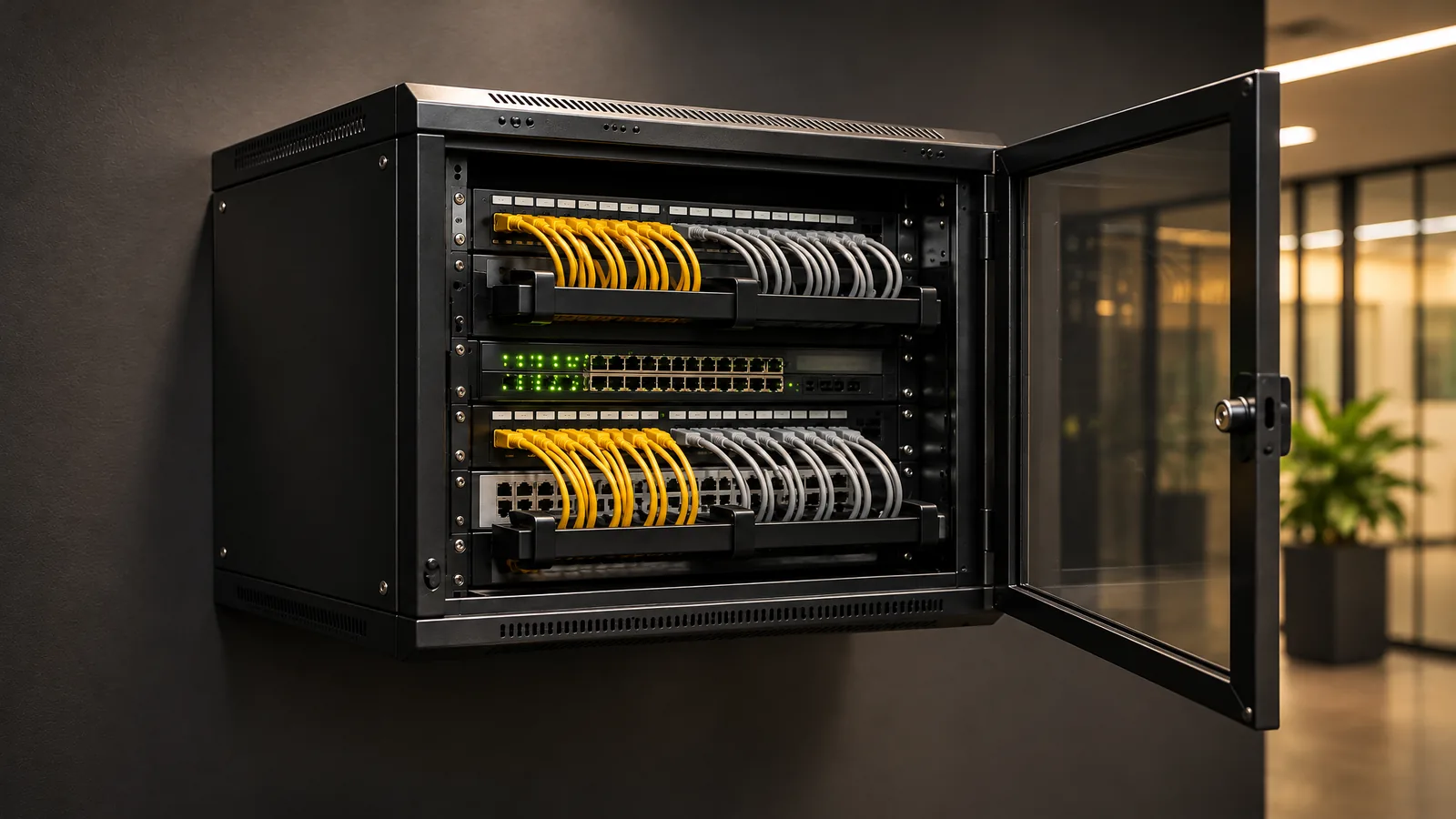
Your network equipment needs a home: a small comms room or a cabinet in a suitable spot. Think about:
- enough space for today’s equipment and room to grow;
- ventilation or cooling, because switches and servers produce heat;
- power, ideally on its own circuit, with a UPS (a battery backup) for the key equipment;
- security, so only the right people can get to it.
Our guide What is a comms cabinet, and does your office need one? goes into more detail.
4. Count the network points
Walk the floor plan and count the connections you need. Desks are the obvious ones, but don’t forget:
- printers and copiers;
- wireless access points, usually in the ceiling;
- screens and video conferencing equipment in meeting rooms;
- CCTV cameras, door entry and access control;
- phones, if you use desk phones.
It’s usually worth adding a few spare points. Adding them during the install costs far less than coming back later.
5. Choose the right cable
Most new network points use Cat6 or Cat6a copper cable, with fibre between floors, buildings or over longer distances. The right choice depends on your building and how you’ll use it. Our article Cat6 or Cat6a? Choosing data cabling for your building explains the difference.
6. Plan the Wi-Fi properly
Open-plan offices, glass partitions, kitchens and lift shafts all affect how Wi-Fi behaves. Rather than moving your old router and hoping for the best, plan where the access points should go, so that coverage is even and there is enough capacity for everyone at once. A Wi-Fi survey is the usual way to do this: see What is a Wi-Fi site survey, and do you need one?
7. Phones, security and the building’s own systems
Data cabling now carries far more than computers. Before the install, check what else needs a network connection or power through the cable:
- Phones. Many businesses now use internet-based phone systems. Desk phones need a network point each, or can share one with a computer.
- CCTV and door entry. Cameras and access control are often powered through the network cable, so they need cabling to the right places, including outside or in car parks.
- Landlord systems. In shared buildings, find out what the landlord provides, such as fire alarm links or a shared comms room, and what you are allowed to change.
8. Meeting rooms and AV
If meeting rooms will have screens, video calls or room booking panels, decide now where they will go so the cabling and power are in the right places. It is much tidier than trailing cables across a table.
9. Testing and labelling
Ask for every cable to be tested and labelled, with the results handed over to you. Clear labels at both ends mean that when something does go wrong, it can be traced in minutes rather than hours.
10. Questions to ask your installer
- Will you survey the building before quoting?
- What grade of cable do you recommend, and why?
- Will every link be tested, and will I get the results?
- How will the cables and sockets be labelled?
- What warranty comes with the installation?
- Can the work fit around the fit-out, the furniture delivery and moving day?
11. Moving day and the first week
- Agree a timetable with your IT support so equipment is moved, connected and checked in the right order.
- Check every desk and meeting room before people arrive.
- Keep a short list of anything that isn’t working, and who is fixing it.
Talk to us
Planning a move? See our structured cabling services and Wi-Fi installation, or request a free quote.