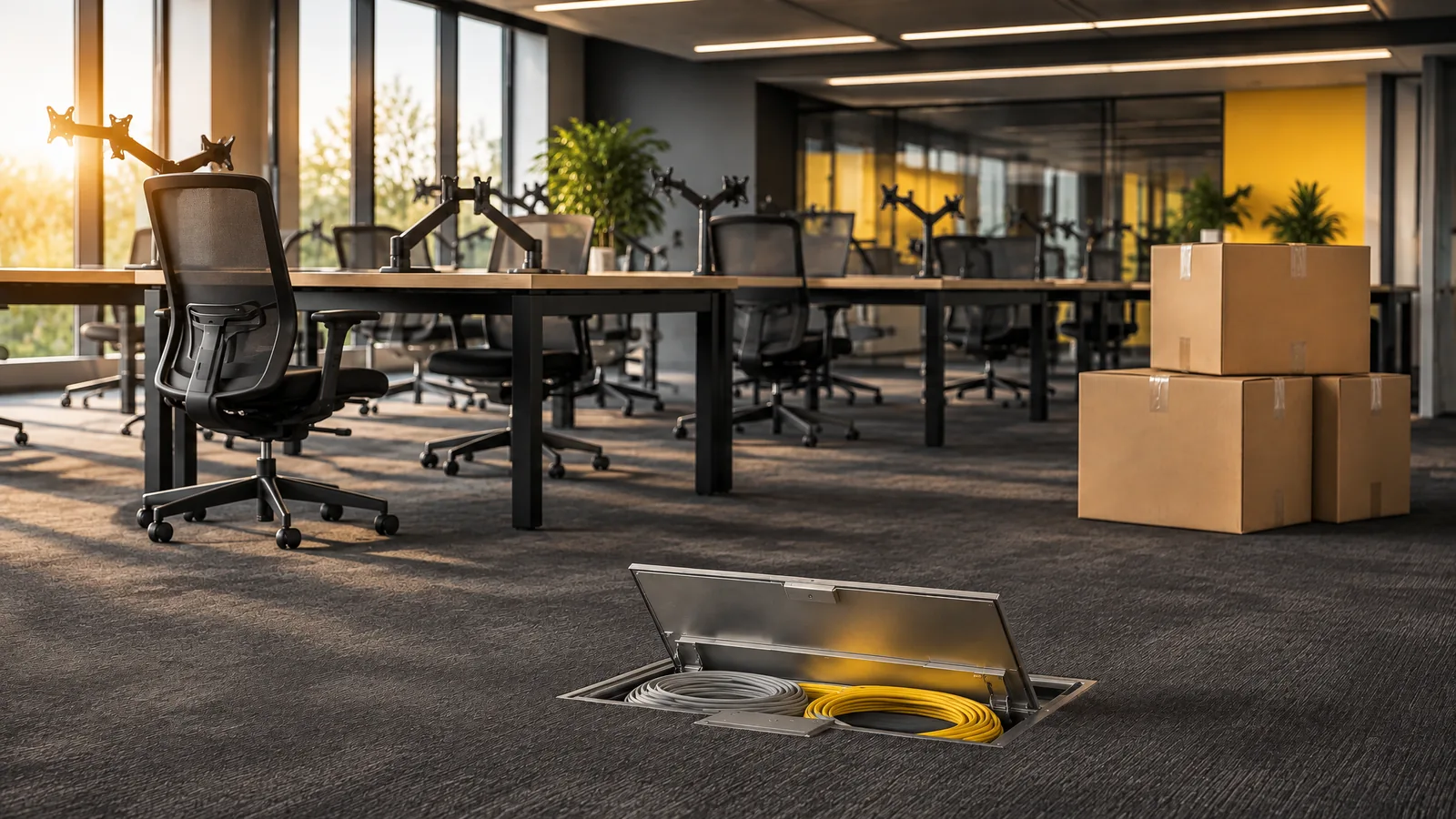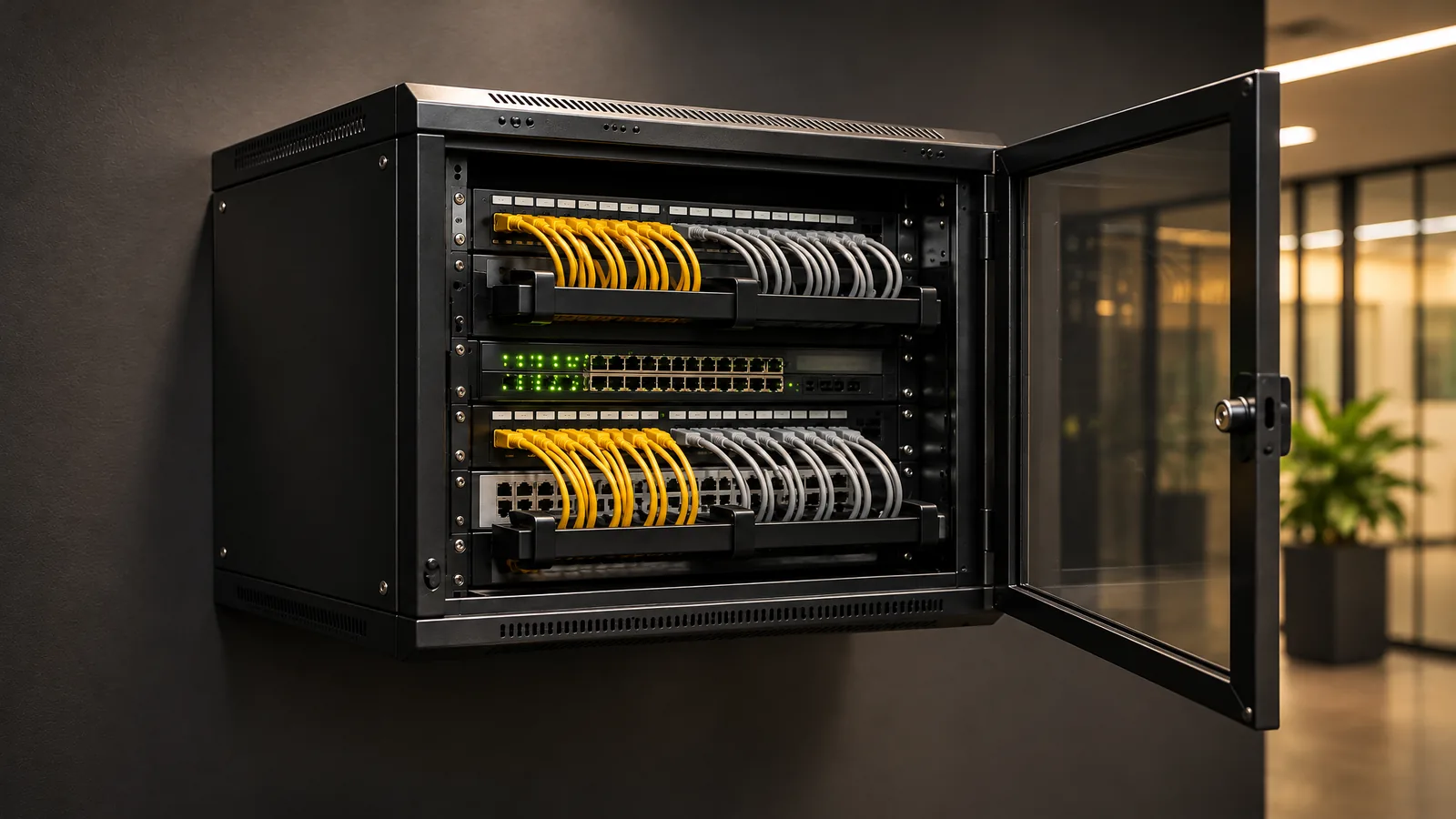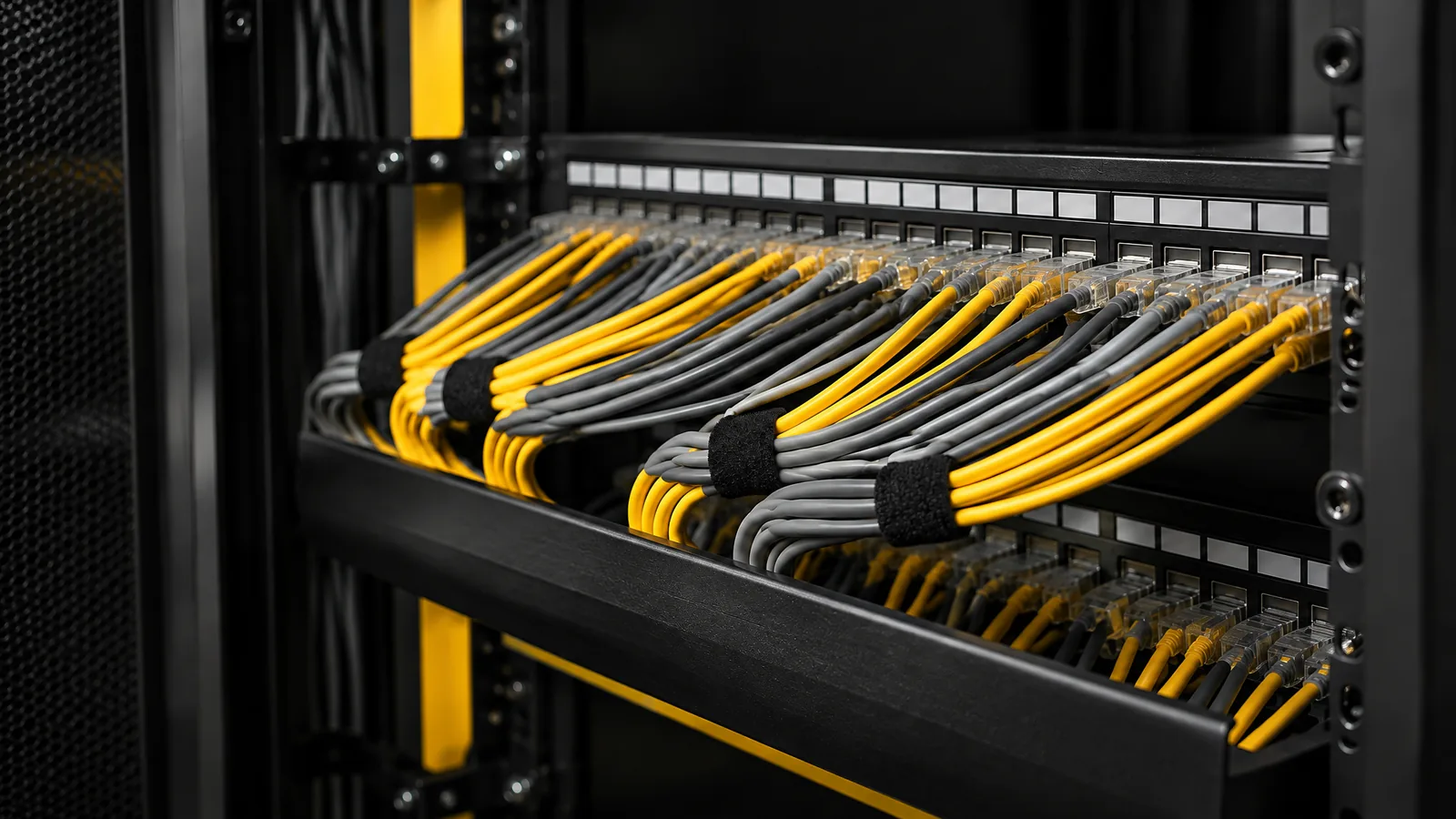
When you add network points to an office, school or factory, the copper cable behind the wall matters as much as the equipment you plug into it. Today most new installations use Cat6 or Cat6a. Both are good choices; the right one depends on what you need now and what you expect to need later.
The short version
- Cat6 comfortably handles gigabit speeds over the standard maximum run of 100 metres, and can carry 10 gigabit speeds over shorter distances. It is slimmer and more flexible, and usually costs less to install.
- Cat6a (“augmented” Cat6) carries 10 gigabit speeds over the full 100 metres and is better protected against interference. The cable is thicker, so it needs more room in trunking, trays and ceiling voids.
Things worth thinking about
- Distance. Copper network cable has a maximum length for each link. Longer runs, or links between buildings, are usually better served by fibre.
- Power over the cable. Many CCTV cameras, wireless access points and phones are powered through the network cable itself (Power over Ethernet), so one cable does both jobs.
- Space and routes. Existing containment may be nearly full, and thicker cable may need new containment. Planning the routes first avoids surprises.
- The future. Cabling usually stays in place for many years, while the equipment plugged into it changes. Choosing a higher grade now can save a disruptive upgrade later.
Examples from our projects
At the Bristol Zoo Project we installed Cat6 network points for CCTV cameras covering animal enclosures, with the cables run underneath the public walkway and the modules in IP rated waterproof boxes. At Bristol Golf Club we installed 20 Cat6 network points on the Top Tracer range, with every cable hidden within the range’s framework.
Talk to us
Not sure which cable your building needs? See our structured cabling services, or contact us for a free, no-obligation consultation.