
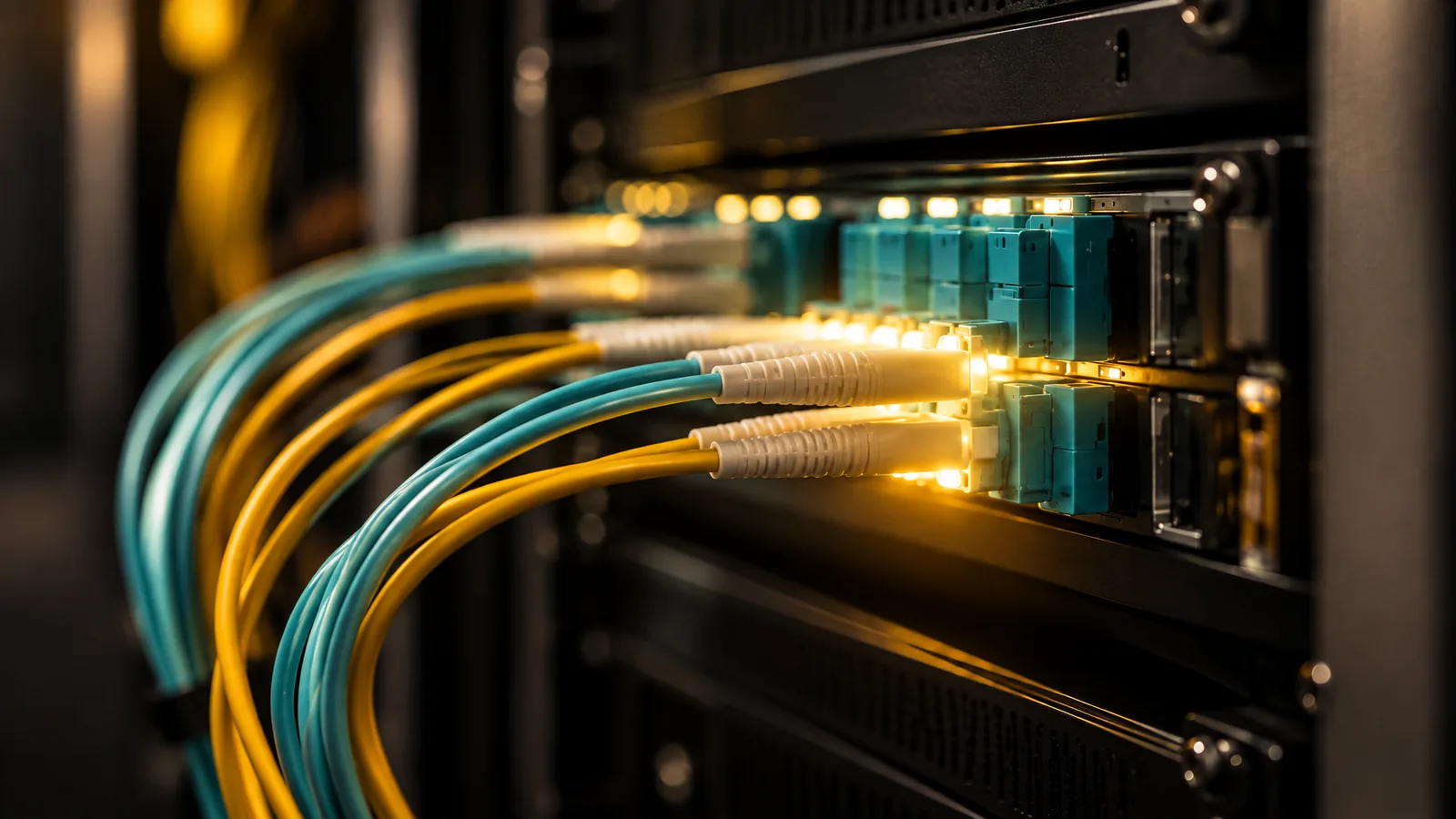
If you’ve had a quote for fibre optic cabling, you may have seen terms like OM4, OS2, multimode and single mode. They all describe the type of glass fibre in the cable, and choosing the right one makes a real difference to how far and how fast your network can carry data.
Two families of fibre
Every fibre optic cable carries data as pulses of light along a strand of glass thinner than a human hair. There are two main families:
- Multimode fibre has a wider core (usually 50 microns). Light travels down it along several paths at once. It is ideal for shorter runs, such as between a server room and data cabinets in the same building.
- Single mode fibre has a much narrower core (about 9 microns), so light travels along a single path. It can carry data over far greater distances, which makes it the usual choice between buildings and across large sites.
What the “OM” and “OS” grades mean
Multimode fibre is graded OM1 to OM5, and single mode fibre OS1 and OS2. A higher number generally means better performance.
- OM3 and OM4 are the multimode grades most often installed today. OM4 supports 10 gigabit networks over longer runs than OM3, which gives more headroom for the future.
- OS2 is the current standard for single mode fibre, suited to long runs indoors and out, including between buildings and around a whole site.
Which one does your building need?
As a rule of thumb, multimode suits links inside one building, and single mode suits long distances or links between buildings. The right answer also depends on the equipment at each end, the routes the cables can take, and how much your network is likely to grow. That’s why a site survey comes first.
Two of our own projects show the difference. At St. Bernadettes School in Bristol, we installed OM4 multimode fibre from the server room to data cabinets around the school. At Magor Brewery in South Wales, the distances called for OS2 single mode fibre, with multiple 48 core cables over the whole site.
Joining and testing fibre
However good the cable, a fibre network is only as reliable as its joins. Fusion splicing welds fibre ends together with very low signal loss, and every link should then be tested and the results recorded, so you know each one passes before the network goes live.
Talk to us
If you’re planning new fibre, or wondering whether your existing cabling is holding you back, see our fibre optic cabling services or get in touch for a free quote.
